- Product

- Pricing
- Affiliate Program
- Developers
- Resource
 EN
EN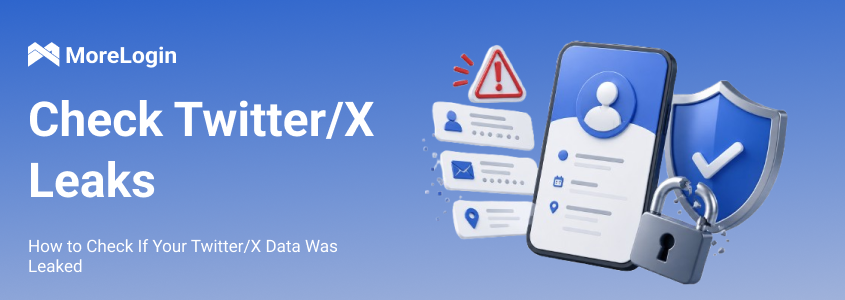
Twitter/X data leaks are not always password leaks. In many reported cases, exposed data included email addresses, phone numbers, usernames, bios, locations, profile photos, follower counts, and other account details. This data can still create risk. It can connect an account to a real person. It can expose a private identity. It can also help attackers write better phishing messages.
For regular users, twitter leaks can affect privacy. For creators, brands, agencies, and social media teams, the risk can go further. One exposed account can affect business messages, client work, ad access, or team workflows. This guide explains what Twitter/X data leaks may include, how to check your exposure, what to do next, and how to reduce risk around the accounts you manage.

A Twitter/X data leak can include different types of account information. The exact data depends on how it was collected. Some data may come from platform bugs. Some may come from public scraping. Some may come from old datasets that are sold again.
A leak may include the following information.
Username and display name
Email address or phone number linked to the account
Profile photo, bio, and location
Account ID or profile metadata
Follower count and public account details
Old tweets, replies, likes, and media
Public links in the profile
Screenshots of posts, DMs, or dashboards
Connected app information
The link between a Twitter/X handle and an email address can be sensitive. The same is true for a phone number. A user may run an account under a nickname. A leaked email can help reveal who is behind it. A brand account can also expose who owns or manages the account.
This is why twitter leaks are not only a privacy topic. They can lead to phishing, impersonation, password testing, and account takeover attempts.
Twitter/X data can be exposed in several ways. Not every case means the platform was directly hacked.
Common causes include the following.
Large scale scraping of public profile data
Old leaked datasets being sold again
Platform bugs that expose account links
Weak or reused passwords
Fake login pages that copy X
Malware or keyloggers on a device
Unsafe third party apps with account permissions
Password sharing inside a team
Several accounts being managed in one normal browser
There is also a simple public information problem. Many users publish too much in bios, posts, screenshots, and contact links. A leaked username becomes more useful when it matches a business email, a personal website, a Telegram handle, or an old forum profile.
One exposed Twitter/X handle may not say much on its own. The risk grows when the same handle appears on other sites. Attackers can connect those records and build a clearer profile.
There is no single test that can prove your data was or was not leaked. A useful check should include breach databases, account settings, connected apps, public search results, and warning signs inside your account.
Start with account behavior. These signs do not prove a leak by themselves. They do mean you should check the account right away.
Posts you did not publish
Direct Messages you did not send
Random follows, unfollows, blocks, or profile edits
Password reset emails you did not request
Login alerts from unknown devices or locations
Notices that your email, phone number, or password changed
A password that suddenly stops working
Apps you do not remember authorizing
Followers reporting strange messages from your account
If several signs appear at once, treat the account as compromised. Waiting gives the attacker more time.
Use a trusted breach checking service to check the email address or phone number linked to your Twitter/X account. These services can show whether your contact details appear in known public breach records.
Do not enter your Twitter/X password into random leak checking websites. A proper breach check does not need your X password.
You should also search your username, old usernames, brand name, and business email in search engines. This can help you find reposted screenshots, copied profile data, old bio text, or public pages that mention your account.
This check has limits. Breach databases only cover known records. They may not show private databases, closed forum sales, or new datasets that have not been reported yet.
Open your Twitter/X security settings. Review login activity. Look for devices, locations, or sessions that you do not recognize.
Use this checklist.
Review active sessions.
Remove unfamiliar devices.
Check recent security alerts.
Confirm that your email and phone number are correct.
Change your password if anything looks wrong.
Enable two factor authentication if it is not active.
If suspicious activity continues after a password change, check mobile sessions and connected apps. Also check the device you use to access X. A password reset may not remove every active access point.
Third party app access is easy to forget. Many users connect tools for scheduling, analytics, profile viewing, automation, or account management. Then they leave those tools connected for years.
Remove any connected app that fits one of these cases.
You do not recognize it.
You no longer use it.
It has broad account permissions.
It can post or send messages for you.
It looks like a fake growth, analytics, or viewer tool.
It appeared around the time strange activity started.
Some users try Twitter viewer tools to check public profile content. These tools cannot confirm whether your email, phone number, or account metadata appeared in a real data leak. Be careful with any tool that asks for your X password. Also avoid tools that claim they can access private account data.
For business accounts, check team tools as well. Old contractors, former employees, and unused social media dashboards can leave access points behind.
Not every exposure appears as a database file. Sometimes the problem is a screenshot, copied DM, archived profile, reposted thread, or leaked dashboard image.
Search for these items.
Your current username
Old usernames
Your display name
Your brand name
Your business email
Unique phrases from your bio
Links connected to your profile
For agency and brand accounts, check for screenshots of ad dashboards. Also check for client conversations, payment pages, and campaign reports. These cases may not be called twitter leaks, but the result can still be serious.
A leak becomes more serious when exposed data connects several identities.
Check whether your Twitter/X account shares the same details across other platforms.
Username
Profile photo
Bio style
Email format
Website link
Telegram or Discord handle
Business contact page
Personal domain
If your personal account, brand account, and client work share the same signals, one exposed profile can point to the rest. This matters for pseudonymous users, creators, social media managers, affiliate teams, and agencies.
If you find signs of exposure, secure the account first. Do not post about the leak from the affected account before you regain control. Do not message followers before you know the account is safe.
Change your Twitter/X password first. Use a long and unique password. Do not use the same password on another platform.
If the same or similar password was used for email, payment tools, ad accounts, or other social platforms, change those passwords too. Attackers often test leaked emails with old passwords on other services.
Then enable two factor authentication. An authenticator app or hardware security key is a stronger option than SMS. It does not remove all risk, but it can block many simple takeover attempts.
After changing the password, remove unfamiliar sessions. Revoke suspicious app permissions.
Check these access points.
Logged in devices
Mobile app sessions
Connected third party apps
X Pro or team access
Social media management tools
Browser extensions
Automation tools
If you do not recognize something, remove it. Trusted tools can be connected again later. Unknown access should not stay active while you investigate.
Your email account is the recovery path for Twitter/X. If someone controls that inbox, they may reset your X password again.
Secure the linked email account. Change its password. Enable two factor authentication. Review recovery options. Remove unknown forwarding rules, unknown devices, and recovery emails you do not recognize.
For business users, also check these assets.
Ad accounts
Payment methods
Creator monetization settings
Customer support inboxes
Brand collaboration emails
Internal team tools
If your Twitter/X account is tied to client work or business messages, leaked data can be used to target your team, clients, or followers.
Remove profile details that make targeting easier. You do not need to erase the account. Focus on information that creates unnecessary risk.
Review these items.
Personal email addresses
Phone numbers
Exact location details
Old business links
Unused contact channels
Screenshots that show private dashboards
Posts that mention client names or internal work
Bio links that connect personal and business accounts too closely
If your account includes private media, sensitive opinions, personal updates, or direct contact details, it may be worth learning how to make your Twitter account private. A private account does not stop screenshots or account compromise. It can reduce casual public browsing.
Do not manage every Twitter/X account from the same normal browser. If one account is compromised, mixed cookies, saved passwords, shared sessions, and unclear access can make cleanup harder.
Separate accounts by purpose.
Personal account
Brand account
Client account
Creator account
Support account
Ads account
Testing account
This does not prevent platform wide twitter leaks. It can reduce the chance that one poor login setup affects every account you manage.
Leaked data can remain useful for years. After you secure the account, keep watching for related attacks.
Watch for these issues.
Phishing emails that mention your Twitter/X handle
Fake X support messages
Password reset attempts
Impersonation accounts
Strange DMs from lookalike profiles
New login alerts
Suspicious activity in your linked email
Unusual payment or ad account activity
If the account posted spam or sent scam messages while compromised, delete those posts and messages after you regain control.
You cannot control every platform incident. You can control how much damage an exposure may cause.
Use these habits.
Use a unique password for Twitter/X.
Enable two factor authentication.
Keep the linked email account secure.
Remove third party apps you no longer use.
Avoid unknown tools that ask for your X login.
Do not share passwords in chat tools or spreadsheets.
Review login sessions on a regular basis.
Keep your browser, operating system, and apps updated.
Scan your device if strange account behavior continues.
Remove unnecessary personal details from your profile.
Use different emails for personal, brand, and client accounts.
Give team members controlled access instead of one shared password.
For one account, these steps reduce personal exposure. For a team, they reduce daily operating risk. The more accounts you manage, the more important clean separation becomes.
MoreLogin is not a breach checker. It will not tell you whether your email appeared in a leaked database. It also cannot stop platform wide Twitter/X leaks.
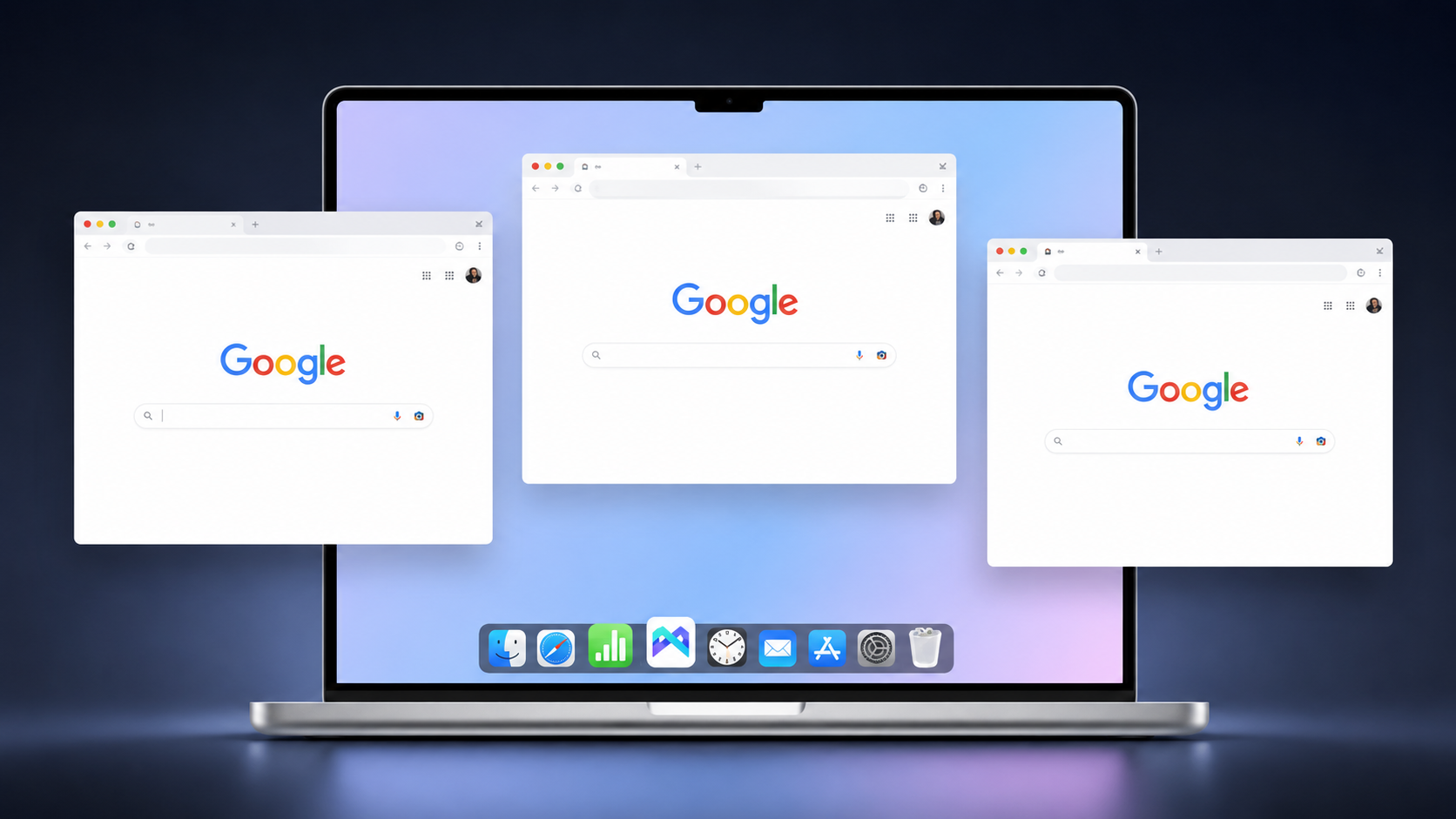
Its role is account environment separation. MoreLogin lets users create separate browser profiles for different Twitter/X accounts. Each profile can keep its own cookies, login session, fingerprint settings, and proxy setup.
This setup helps when personal, brand, creator, and client accounts should not share the same browser environment. Instead of opening every account in one normal browser, teams can keep accounts in separate profiles. This gives each account clearer ownership and access.
As an antidetect browser, MoreLogin helps separate cookies, sessions, fingerprints, proxies, and browser profiles for different Twitter/X accounts. For agencies and social media teams, that separation can reduce session mixing, password sharing issues, and daily account management mistakes.
MoreLogin should still be used with basic security controls. Use strong passwords. Enable two factor authentication. Secure email accounts. Review permissions. Be careful with third party tools.
A Twitter/X leak does not need to include passwords to create risk. An exposed email, phone number, username, location, or profile detail can still help attackers identify a user. It can also help them write better phishing messages or test access on other platforms.
The practical response to twitter leaks is clear. Check known breach records. Review login sessions. Remove suspicious apps. Change reused passwords. Secure the linked email. Clean up public profile data. Separate accounts that should not share the same environment.
For teams managing multiple Twitter/X accounts, MoreLogin can help keep account environments organized, separated, and easier to control.
Should you make your Twitter/X account private?
Yes, if your account contains personal updates, private media, sensitive opinions, or information you do not want strangers to browse. A private account reduces public visibility. It does not stop screenshots, unsafe app permissions, hacked followers, or account takeover.
Are Twitter viewer tools safe for checking leaked data?
Not always. Some tools only show public profile content. They cannot confirm whether your email, phone number, or account metadata was included in a leak. Avoid any viewer tool that asks for your X password or claims it can access private account data.
What are twitter leaks?
Twitter leaks are cases where Twitter/X related data is exposed, scraped, reposted, sold, or shared without proper authorization. The data may include usernames, emails, phone numbers, bios, locations, profile photos, follower data, screenshots, or account metadata.
How do I know if my Twitter/X data was leaked?
Check your linked email or phone number in reputable breach checking services. Then review your login sessions, security alerts, connected apps, and public search results for your username or brand name. Also watch for unusual posts, DMs, password reset emails, and unknown login locations.
Can a private Twitter/X account still be leaked?
Yes. Private status limits public browsing. It does not prevent screenshots, unsafe app permissions, compromised email accounts, phishing, or account takeover.
What should I do first after finding leaked Twitter/X data?
Change your Twitter/X password first. Then secure the linked email account. Enable two factor authentication. Remove suspicious sessions. Revoke unknown third party apps. Update reused passwords on other platforms.
Can an antidetect browser help reduce multi account login risks?
Yes, but it is not a leak checker. An antidetect browser helps separate browser profiles, cookies, sessions, fingerprints, proxies, and team access. For users managing multiple Twitter/X accounts, that separation can reduce daily account management risks.
 EN
EN